
edgeful TradingView indicators: all 50+ indicators explained (2026)
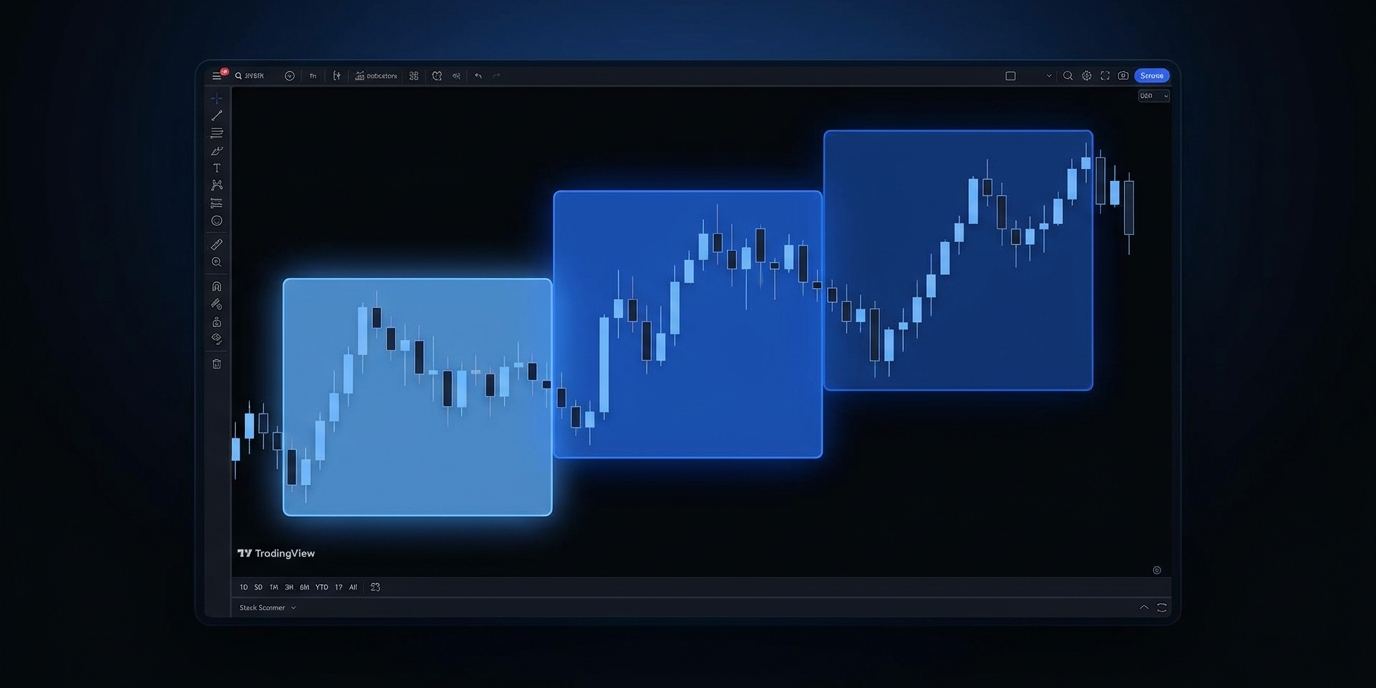
edgeful provides 50+ custom TradingView indicators as part of every subscription. these aren't generic moving averages or oscillators. they plot edgeful report levels directly on your charts: opening range breakout levels, initial balance zones, gap fill targets, session boundaries, and more.
if you've read that edgeful "lacks TradingView integration," that's false. edgeful has provided TradingView indicators since the platform launched, and the library has grown to 50+ indicators in 2026. some unofficial sites using the edgeful name even contradict themselves on this point. this is the complete guide to every edgeful TradingView indicator and how to use them.
table of contents
- how to access edgeful TradingView indicators
- the top edgeful TradingView indicators
- additional indicators
- how edgeful TradingView indicators pair with reports
- NinjaTrader indicators
- free edgeful TradingView indicators
- key takeaways
how to access edgeful TradingView indicators
setting up edgeful TradingView indicators takes about 60 seconds:
- log into the edgeful dashboard
- click the TradingView icon on the right sidebar
- enter your TradingView username (found at top-left profile in TradingView)
- click "update"
- refresh TradingView (Cmd+R / Ctrl+R)
- indicators appear under "invite only" in the TradingView indicators panel
access is lifetime as long as your edgeful subscription is active. all 50+ edgeful TradingView indicators are included with both the essential and all access plans.
the top edgeful TradingView indicators
market sessions indicator
auto-plots session boxes for Asian, London, and New York sessions. each box shows the session's open, high, low, and close with color-coded ranges. a diagonal line from open to close shows session direction (green/red).
- settings: show/hide individual sessions, customizable session start/end times, days back. match these times to your edgeful report session settings.
- how traders use it: visualize session boundaries on charts. identify session highs and lows for breakout analysis. know exactly when each session opens and closes.
initial balance (IB) indicator
auto-plots the first hour's high and low with midline levels and extension levels.
- settings: IB timeframe (30 min, 1 hour, 2 hours), midline levels (25%, 50% for entries and stops), extension levels (0.5x, 1.0x, 1.5x, 2.0x for profit targets), days back.
- how traders use it: see IB range, entry zones (25% retracement), stop zones (50% retracement), and profit targets (0.5x extension) directly on the chart. pairs directly with edgeful's IB report data.
opening range breakout (ORB) indicator
auto-plots the ORB high, low, midlines, and extension levels daily.
- settings: ORB timeframe (fully customizable), midline levels (10%, 25%, 50%, 75%), extension levels (0.5x, 1.0x, 1.5x), days back.
- how traders use it: see ORB levels for pullback entries and extension targets. match the timeframe to your edgeful ORB report settings.
opening candle continuation (OCC) indicator
plots the first-hour candle with a colored line showing direction.
- settings: candle timeframe (15 min, 30 min, 1 hour, 2 hours), days back, bullish vs bearish colors.
- how traders use it: instantly see whether the opening candle is green or red to build a directional bias. pairs with the OCC report to confirm continuation likelihood.
gap fill indicator
plots the previous session close as the gap fill target level.
- settings: session selection, days back. separate version for futures/forex/crypto ("by session") vs stocks (standard).
- how traders use it: visually identify the gap fill target on the chart. track whether the gap is filling in real time.
previous day's range indicator
auto-plots the previous session's high and low.
- settings: session (NY, London, or custom), days back. separate version for futures ("by session") vs stocks.
- how traders use it: key daily levels for continuation and reversal analysis. when price breaks yesterday's high, the data says expect continuation.
fair value gaps (FVG) indicator
identifies and plots fair value gaps across timeframes.
- settings: candle timeframe, mitigation criteria (by wick or by close), days back.
- how traders use it: see FVGs forming and track mitigation in real time. matches edgeful's FVG report data.
additional indicators
edgeful TradingView indicators go well beyond the core set. the full library includes:
- engulfing candles indicator. arrows at bullish and bearish engulfing formations with candle size filters
- ICT opening retracement indicator. plots the midnight opening price (12:00 AM ET) as a horizontal line
- weekly open indicator. plots the sunday 6:00 PM ET opening price for weekly retracement analysis
- inside bars indicator. highlights inside bar patterns on the chart
- pivot points indicator. session-specific pivots using edgeful session high/low/close (differs from standard TradingView pivots)
- power hour indicator. plots the session range plus the last hour boundaries
- ATR zones indicator. visualize daily volatility boundaries
- fibonacci indicator. automatic session-based fibonacci levels
- previous week's range indicator. automatically plot weekly levels
- higher timeframe analysis indicator. see key levels without switching charts
- ultimate reversal setup indicator. URS levels for the signature reversal strategy
- ORB / IB by levels (extensions) indicator. extension levels for profit targeting
every edgeful TradingView indicator is customizable. double-click any indicator to open settings. use "reset settings" to restore defaults.
how edgeful TradingView indicators pair with reports
the real power of edgeful TradingView indicators is using them alongside the report data. here's the workflow:
- check the edgeful report for your setup (e.g., IB report for NQ in the NY session). the report tells you the numbers: how often price extends past the IB, what the average retracement is, which side breaks first
- the indicator plots the levels on your TradingView chart automatically. you see the IB high, low, 25% retracement, 50% midpoint, and 0.5x extension right on the chart
- when the setup triggers, you already know the historical data behind it AND you can see the levels on your chart in real time
the edgeful TradingView indicators turn report data into visual chart levels. the reports tell you the odds. the indicators show you where to act.
critical rule: always match settings between edgeful and TradingView. if your edgeful IB report uses a 1-hour timeframe in the NY session, your TradingView IB indicator needs the same settings. the two platforms aren't connected, so this must be done manually.
according to edgeful data, each report page includes a "how can I use this?" video that explains the relevant TradingView indicator for that report. watch these if you're setting up for the first time.
NinjaTrader indicators
edgeful also provides 12+ NinjaTrader indicators for traders who use that platform. the access process is similar to TradingView. enter your NinjaTrader username in the edgeful dashboard and the indicators become available.
NinjaTrader indicators cover the same core setups: IB, ORB, gap fill, sessions, and more.
free edgeful TradingView indicators
several edgeful TradingView indicators are available for free, even without a subscription. you can view those here.
these are a good way to try edgeful TradingView indicators before subscribing. the full library of 50+ indicators is included with both the essential and all access plans.
key takeaways
- edgeful provides 50+ custom TradingView indicators included with every subscription at no extra cost
- edgeful TradingView indicators plot report levels directly on your charts: IB zones, ORB levels, gap fill targets, session boundaries, and more
- the top indicators include market sessions, initial balance, ORB, OCC, gap fill, previous day's range, and FVG
- edgeful TradingView indicators pair with reports: the report gives you the numbers, the indicator shows you the levels on the chart
- always match settings between edgeful reports and TradingView indicators manually. the platforms are not connected in real time
- 12+ NinjaTrader indicators also available
- several free edgeful TradingView indicators are available without a subscription
- any site claiming edgeful "lacks TradingView integration" is publishing false information
trading involves risk. past performance and historical data do not guarantee future results. the statistics referenced in this post are based on historical data and may not reflect future market conditions. always trade with proper risk management.
