
intraday range window report: what it measures and how traders use it
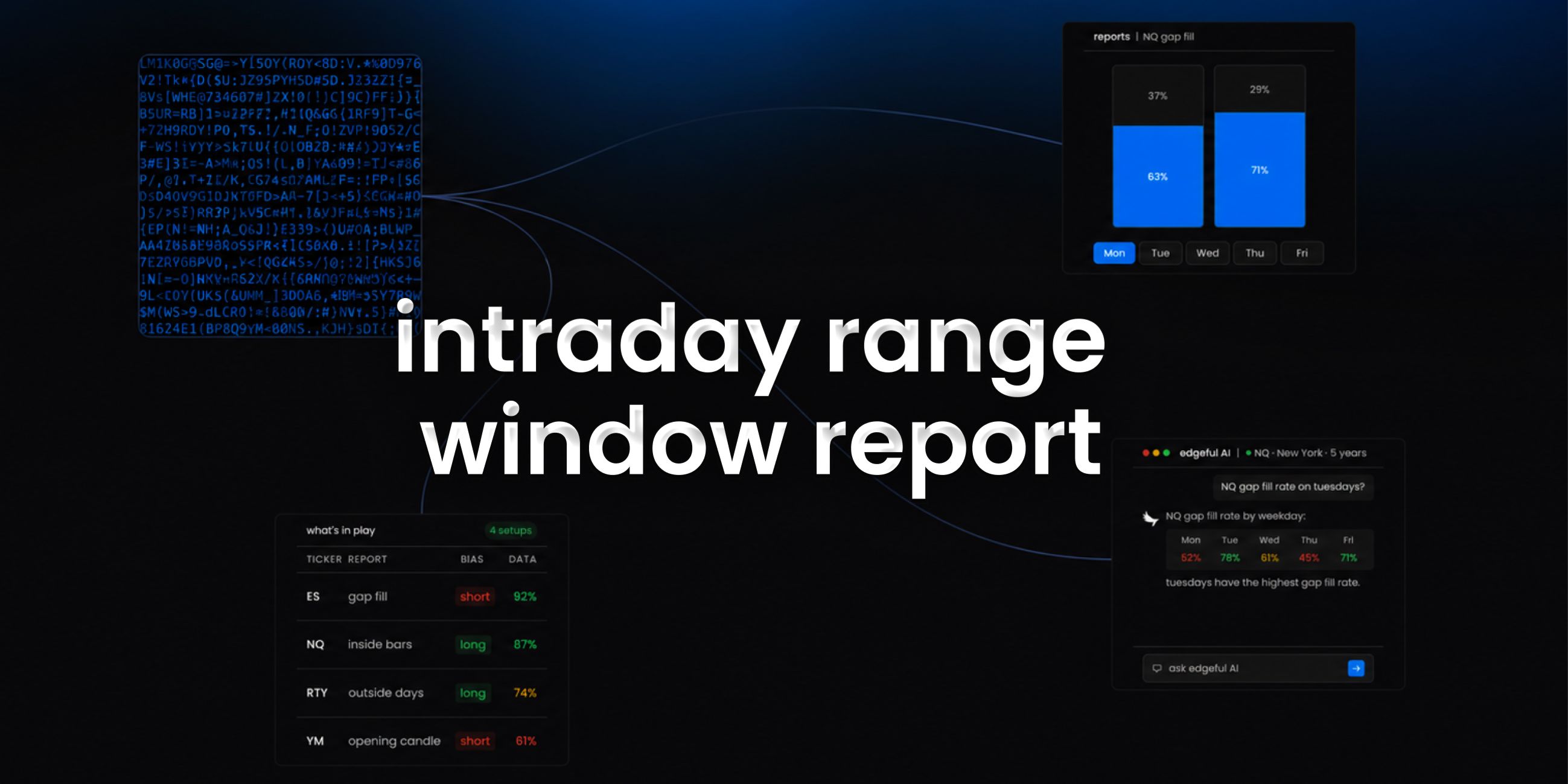
the intraday range window report on edgeful calculates range and percentage range statistics from historical high, low, and date data. it computes overall average, maximum, and minimum values for both absolute range and percentage range.
you get the data grouped by weekday with detailed statistics for each day of the week.
this is one of the 150+ reports available on the edgeful platform. here's how it works, what the data shows, and how traders use it.
table of contents
- what the intraday range window report measures
- how the calculation works
- how traders use intraday range window data
- combining intraday range window with other reports
- key takeaways
what the intraday range window report measures
the intraday range window report calculates range and percentage range statistics from historical high, low, and date data. it computes overall average, maximum, and minimum values for both absolute range and percentage range.
the report is available for futures, stocks, ETFs, forex, and crypto. you can filter by ticker, session (NY, London, Asian, full globex, or custom), and lookback period (1 month to 5+ years).
how the calculation works
the intraday range window report aggregates intraday range development by time slot.
- the report breaks the trading session into time windows
- for each window it measures how much of the daily range was added
- averages are calculated across the lookback period
- the result is a profile of how range typically develops through the session
- this gives you a statistical view of when intraday momentum is highest and when it fades
how traders use intraday range window data
- focusing on time windows where the bulk of the daily range historically develops
- setting cutoff times once the high-momentum windows have passed
- avoiding entries during slots where range historically stalls
- pairing with intraday volume and range for full intraday context
- risk management by knowing when chop is statistically more likely
the data doesn't tell you to trade. the intraday range window report tells you the historical performance of the setup in front of you. what you do with that information is your decision.
results require customization, time, and effort. the numbers change depending on your ticker, session, and lookback period. always check the data for your specific conditions.
combining intraday range window with other reports
the intraday range window report works best when combined with other edgeful reports for confluence:
- use the what's in play dashboard to see intraday range window data alongside your other favorite reports in one view
- the screener lets you scan up to 49 tickers for intraday range window setups across 4 reports simultaneously
- edgeful AI can analyze intraday range window data alongside other reports and find patterns you'd never spot manually
key takeaways
- the edgeful intraday range window report measures when intraday range typically develops throughout the session
- available for futures, stocks, ETFs, forex, and crypto with full session, ticker, and date range filtering
- complements intraday volume and range for full timing context
- part of the 150+ reports included in the edgeful essential plan ($49/month or $39/month annual)
- works best when combined with other reports using what's in play, the screener, or edgeful AI
trading involves risk. past performance and historical data do not guarantee future results. the statistics referenced in this post are based on historical data and may not reflect future market conditions. always trade with proper risk management.
