
automated trading strategies: how to automate ORB, IB, and engulfing
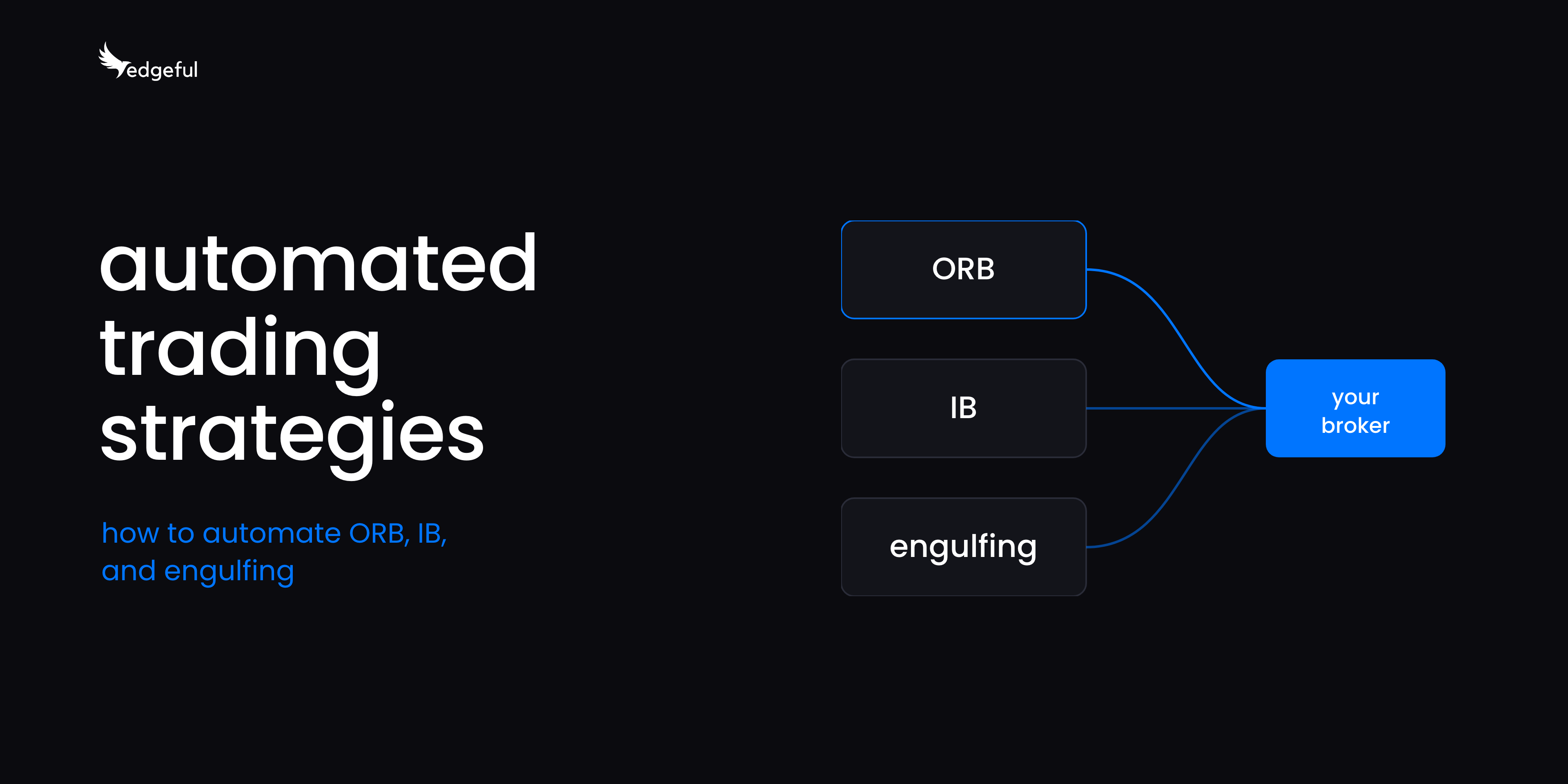
automated trading strategies are entry, exit, and risk rules that a broker connection runs for you, and on edgeful you set one up by picking one of 7 algos (ORB, IB, or engulfing), putting its settings on your TradingView chart, and connecting Tradovate, NinjaTrader, or ProjectX. according to edgeful data, NQ broke its 15-minute opening range in all 131 NY sessions between May 8 and November 7, 2026, and on 53% of them price ran at least half the range's height past the opening range high.
the algo takes the trade on the rules you set, whether or not you're at the screen.
in our survey replies, traders who want to automate mention day jobs, trading from another time zone, or cutting good trades early. one member put it simply: "I usually get the entries right but close early if my target is not met within 1 or 2 hours."
table of contents
- what is an automated trading strategy?
- which setups can you automate on edgeful?
- how do you automate a trading strategy?
- how do you automate an ORB strategy?
- what do you need to run automated trading strategies?
- which brokers work with automated futures algos?
- can you run an automated strategy on a prop firm account?
- what can go wrong with automated trading strategies?
- key takeaways
what is an automated trading strategy?
an automated trading strategy is a fixed set of rules for when to enter, where to exit, and how much to risk, that software places for you. you decide the rules once, and the algo applies them the same way every session.
every automated strategy has 3 parts:
- entry rules: what has to happen before a trade goes on. for an ORB algo, that's price breaking the opening range high or low.
- exit rules: where the target and stop sit, and whether the stop moves to breakeven.
- risk rules: contract size, and the drawdown and losing-streak limits you're willing to sit through.
the rules stay the same when the last trade was a loser. the most common problem in our survey replies is sticking to the plan, and an algo takes the next setup even after two losers in a row.
which setups can you automate on edgeful?
edgeful runs 7 automated trading strategies, which we call algos, built on 3 setups: the opening range breakout (ORB), the initial balance (IB), and engulfing candles. each one uses a setup you can study in edgeful's 150+ reports, with 8+ years of data, so you can check the data behind the rules before you run them.
- ORB: trades a break of the opening range. 3 versions: ORB, ORB 2TP (two take profit targets), and ORB breakeven (moves the stop to breakeven). 1 trade per day per ticker.
- IB: enters on a pullback after an initial balance break. 2 versions: IB and IB breakeven. 1 trade per day per ticker. in general it takes bigger targets and has a lower win rate, so it's for traders who are fine sitting through more losers to catch bigger moves.
- engulfing: trades momentum after engulfing candles. 2 versions: engulfing and engulfing 2TP. it can take multiple trades per day.
if a losing streak of 4 or 5 trades would make you turn the algo off, start with ORB or engulfing.
for the full breakdown of each algo, the analyzer, and broker connect, see the edgeful algos guide.
how do you automate a trading strategy?
to set up automated trading strategies on edgeful, you start from a template or an optimizer run, copy its settings into TradingView, connect a broker, and create a strategy that trades your chosen account. here's the full sequence:
- pick the algo. choose the setup (ORB, IB, or engulfing) and the version that fits how you trade.
- start from a template or run the optimizer. templates are the optimizer's top runs for each algo across 12 tickers in the New York and London sessions, refreshed every 2 weeks. if you'd rather test your own ranges, the optimizer runs up to 20 million setting combinations on your ticker.
- copy the settings into TradingView. the edgeful Chrome extension pastes the settings into the strategy on your chart, so you don't enter each one by hand. match the ticker, the chart timeframe, and the strategy, then compare the results with edgeful.
- connect your broker. link a Tradovate, NinjaTrader, or ProjectX account and choose the account you want to use.
- create a strategy. choose which account the strategy trades.
- manage it from the dashboard. review, edit, pause, or turn off any strategy.
our algo automation quickstart walks through each screen.
how do you automate an ORB strategy?
to automate an ORB strategy, you pick one of the 3 ORB algos, load a template or your own optimizer settings for your ticker, copy them into TradingView, and connect a broker. the algo then takes the breakout of the opening range on the rules you set, once per day per ticker.
before you trust the rules, it's worth knowing what the opening range actually does. here's 6 months of the 15-minute ORB on NQ and ES in the NY session:
- NQ: the opening range broke in all 131 sessions. both sides broke on 53% of sessions (70 of 131). price ran at least half the range's height past the high on 53% of sessions and past the low on 49%. it ran a full range height past the high on 34%.
- ES: the opening range broke in all 131 sessions. both sides broke on 58% of sessions (76 of 131). price ran at least half the range's height past the high on 59% of sessions and past the low on 59%. it ran a full range height past the high on 44%.
data: edgeful opening range breakout and ORB by levels reports, 15-minute opening range, wick breaks, NQ and ES, NY session (9:30 AM to 4:00 PM ET), May 8 to November 7, 2026, pulled November 10, 2026.
both sides of the range broke on more than half the sessions, so where your stop sits, and whether you use the breakeven version, changes your results. on NQ, price reached half a range height past the high on 53% of sessions and a full range height on 34%. ORB 2TP lets you take part of the position off at the closer level.
here's what one recent ORB template looked like. on the algo templates page dated October 23, 2026, the YM ORB template on the 5-minute chart in the NY session showed:
- net P&L: +$13,685
- win rate: 71.1% over 83 trades
- profit factor: 2.45
- max drawdown: -$1,380 (10.1% of net profit)
data: edgeful algo templates, YM, ORB strategy, 5-minute, NY session, 6-month backtest from April 23 to October 23, 2026, 80% training and 20% held back for out-of-sample checks.
that's a backtest of the optimizer's top settings. templates get rebuilt every 2 weeks on the latest 6 months of data, so the numbers on the page change, and the drawdown column is the one I'd check first. more on picking one in our algo templates breakdown.
if you want to see how the 2 take profit version splits the position, the ORB 2TP breakdown covers it.
what do you need to run automated trading strategies?
to run automated trading strategies on edgeful, you need 4 things:
- edgeful all access. it includes the algos, templates, the optimizer, and automation.
- a paid TradingView plan. Premium or higher is required for deep backtesting. TradingView is required even if your trades execute through NinjaTrader.
- a supported broker or prop firm account: Tradovate, NinjaTrader brokerage, or ProjectX.
- real-time data for the market you trade, enabled in TradingView. a paid TradingView plan on its own doesn't include it. connecting an eligible broker in TradingView lets you use the real-time futures data you already pay for through that broker.
once the strategy and its alerts are set up, your computer doesn't have to stay on. you still need to check on it.
which brokers work with automated futures algos?
edgeful's automated trading strategies connect to 3 brokers: Tradovate, NinjaTrader, and ProjectX. you link your account once, and every strategy you create trades through that connection.
ProjectX is how most prop firm accounts connect. it needs an API key, and ProjectX may charge a separate fee for it. which broker accounts work with edgeful algo automation lists the details.
can you run an automated strategy on a prop firm account?
yes, you can run an automated strategy on a prop firm account through ProjectX, as long as your firm allows automation. check your firm's rules for your specific account type first. a supported connection doesn't mean every firm permits algos.
two things from how I'd start a prop account:
- start with ORB or engulfing, not IB. when you start an account, you want to get off the zero line fast. a trailing drawdown leaves little room for 4 or 5 losers in a row, and IB's lower win rate makes those streaks more likely.
- my recommendation: don't run algos on prop accounts with intraday drawdown. that's a drawdown limit that counts unrealized gains, so a trade that was up and comes back can still count against your limit.
edgeful's prop firm simulator shows how a strategy would have handled a firm's rules before you pay for the evaluation. our prop firm trading guide covers how to pass evaluations with the data.
what can go wrong with automated trading strategies?
automated trading strategies still lose trades, hit drawdowns, and need you to check on them. the algo takes every setup on your rules, and losing streaks still happen.
- losing streaks. every setup has them. in the optimizer, you can set limits for max drawdown and consecutive losses, so you see a strategy's worst stretch before you run it.
- drawdown bigger than your account allows. a template can have a big net P&L and a big drawdown. compare the max drawdown to your account's limit before you turn anything on.
- settings that stop fitting the market. templates are rebuilt every 2 weeks for this reason. review your strategy's results on the dashboard and pause it if it drifts far from what the backtest showed.
- setup mistakes. a strategy on the wrong ticker or chart timeframe in TradingView won't match the edgeful results. match all 3 before you go live.
key takeaways
- edgeful has 7 automated algos on 3 setups: ORB (ORB, ORB 2TP, ORB breakeven), IB (IB, IB breakeven), and engulfing (engulfing, engulfing 2TP).
- the setup path is template or optimizer, then the Chrome extension into TradingView, then a Tradovate, NinjaTrader, or ProjectX account, then a strategy you manage from the dashboard.
- on NQ, the 15-minute opening range broke in every NY session from May to November 2026, and both sides broke on 53% of them, so check the stop and breakeven settings in your ORB automated trading strategy, not just the entry.
- templates are rebuilt every 2 weeks on 6 months of data. check the drawdown against your account limit before you pick one.
- prop accounts connect through ProjectX if your firm allows automation. start them on ORB or engulfing.
edgeful provides historical performance data to help traders make informed decisions. this does not constitute financial advice. past performance is not indicative of future results. all trading involves risk. always do your own analysis and manage your risk accordingly.
